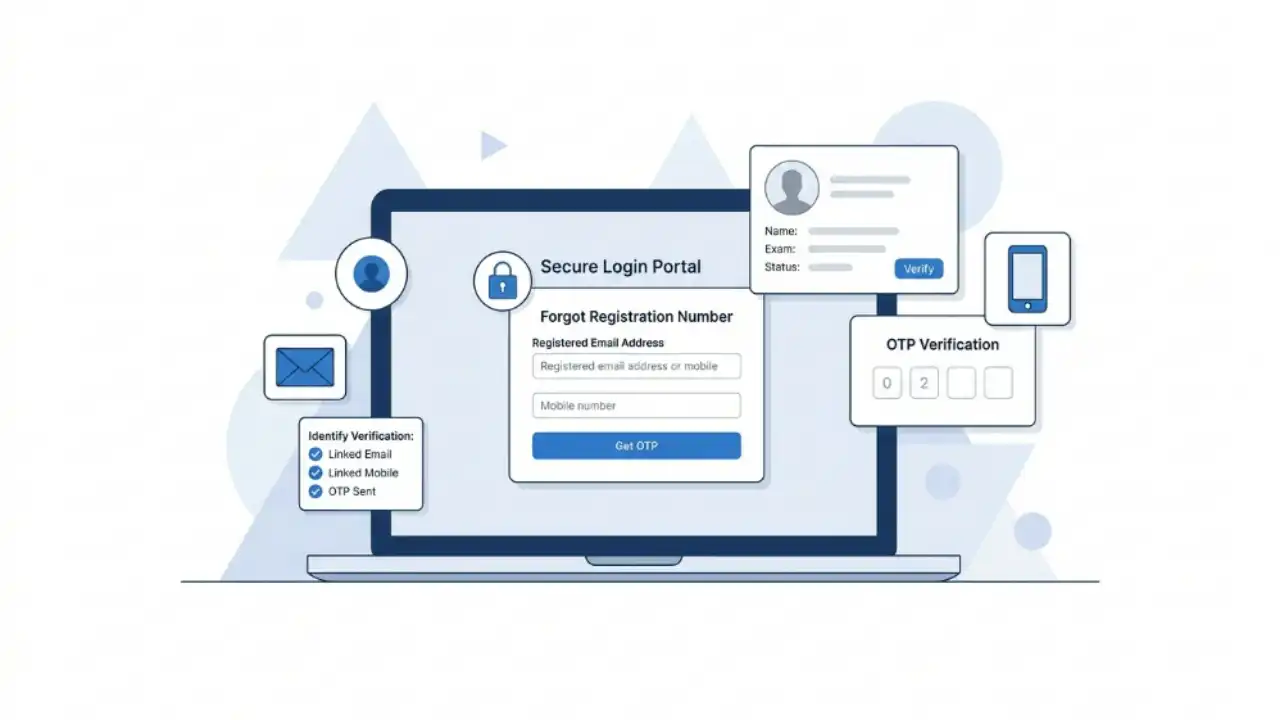
Every year, millions of candidates apply for various examinations conducted by the Staff Selection Commission (SSC), including SSC CGL, SSC CHSL, SSC MTS, SSC GD Constable, SSC Selection Post, SSC JE, SSC Stenographer, and other recruitment exams. During the application process, candidates receive a Registration Number that serves as a unique identification number for accessing their SSC account, downloading admit cards, checking application status, and viewing examination results.
However, many candidates forget or lose their SSC Registration Number after submitting the application form. This often creates confusion, especially when admit cards or results are released. Fortunately, SSC provides an official facility that allows applicants to recover their registration details using basic personal information.

This guide explains everything candidates need to know about recovering their SSC Registration Number, including official methods, required details, troubleshooting tips, and important precautions.
Table of Contents
What is an SSC Registration Number?
The SSC Registration Number is a unique identification number generated when a candidate completes the One-Time Registration (OTR) process on the SSC portal.
The registration number remains associated with the candidate’s SSC account and can be used for:
- Logging into the SSC portal
- Applying for SSC examinations
- Checking application status
- Downloading admit cards
- Viewing examination results
- Accessing profile information
- Managing SSC account details

Since SSC has implemented the One-Time Registration (OTR) system, candidates generally need only one registration account for all SSC examinations.
Why Candidates Need to Recover Their Registration Number
There are several situations where candidates may need to retrieve their SSC registration details:
Common Reasons
- Forgot the registration number after application submission
- Lost application confirmation email
- Changed mobile phone or SIM card
- Deleted SMS containing registration details
- Unable to access old email account
- Need to download admit card
- Need to check application status
- Need to access SSC dashboard
In most cases, registration details can be retrieved from the official SSC portal without submitting a separate request.
Information Required to Recover SSC Registration Number

Before starting the recovery process, candidates should keep the following details ready:
| Required Detail | Purpose |
|---|---|
| Candidate Name | Identity verification |
| Father’s Name | Additional verification |
| Mother’s Name | Identity confirmation |
| Date of Birth | Matching SSC records |
| Registered Email ID | Account recovery |
| Registered Mobile Number | OTP verification |
Providing accurate information is essential because SSC validates the entered details against its database.
How to Recover SSC Registration Number Online
Candidates can recover their registration number directly through the official SSC website.
Step 1: Visit the SSC Portal
Open the official SSC website and navigate to the login section.
Step 2: Select the Login Option
On the login page, locate the option related to:
- Forgot Registration Number
- Forgot Login Details
- Account Recovery
The wording may vary slightly depending on portal updates.
Step 3: Enter Personal Information
Candidates will be asked to provide details such as:
- Full Name
- Father’s Name
- Mother’s Name
- Date of Birth
Ensure that all information matches the details entered during registration.
Step 4: Verify Contact Information
SSC may ask for:
- Registered Mobile Number
- Registered Email ID
Verification is typically completed through OTP authentication.
Step 5: Complete OTP Verification
Enter the OTP received on:
- Registered mobile number, or
- Registered email address
Successful verification confirms ownership of the account.
Step 6: Retrieve Registration Details
After verification, SSC displays or sends the registration details through the registered communication channel.
Candidates should save these details immediately for future use.
How to Recover SSC Password Along with Registration Number
Many candidates forget both their registration number and password.
In such cases:
- Recover the Registration Number first.
- Return to the SSC login page.
- Click on “Forgot Password.”
- Enter the recovered registration number.
- Complete OTP verification.
- Create a new password.
- Log in using the updated credentials.
What to Do If the Registered Mobile Number Is No Longer Active
Candidates sometimes lose access to the mobile number used during registration.
In such cases:
- Try recovering the account through the registered email ID.
- Check old emails received from SSC.
- Search for application confirmation messages.
- Use any available alternative verification method offered by SSC.
If both the registered email and mobile number are inaccessible, candidates may need to contact SSC support through official communication channels.
How to Find SSC Registration Number in Old Emails
Many candidates overlook the easiest recovery method.
Search the email inbox using keywords such as:
- SSC Registration
- SSC OTR
- Staff Selection Commission
- Application Confirmation
- Registration Number
Check the following folders:
- Inbox
- Spam
- Promotions
- Archived Emails
SSC often sends registration details immediately after successful registration.
How to Find SSC Registration Number Through SMS
Candidates should also search old SMS messages using keywords such as:
- SSC
- Registration
- OTR
- Login
Many applicants receive registration details through SMS during the registration process.
Common Problems During SSC Registration Recovery
Incorrect Personal Details
Entering a name, date of birth, or parental details different from the original registration records can prevent successful recovery.
Wrong Email ID
Candidates sometimes attempt recovery using an email address that was not used during registration.
Mobile Number Mismatch
The recovery system only recognises the mobile number linked with the SSC account.
OTP Not Received
Possible reasons include:
- Network issues
- DND settings
- Full inbox
- Incorrect contact information
Candidates should wait a few minutes and request OTP again if necessary.
Important Tips After Recovering Registration Number
Once the registration number is recovered:
- Save it in multiple secure locations.
- Store it in a password manager.
- Take a screenshot and save it securely.
- Keep a printed copy with exam documents.
- Update contact details if SSC permits.
- Never share login credentials publicly.
These precautions can prevent future access issues.
SSC Registration Recovery: Frequently Asked Questions
Can I recover my SSC Registration Number without a mobile number?
Yes, if SSC allows verification through the registered email address.
Is the SSC Registration Number the same for all SSC exams?
Under the One-Time Registration system, the same SSC account can be used for multiple SSC examinations.
Can I create a new SSC account if I forget my registration number?
Candidates should avoid creating duplicate accounts and instead recover their existing registration details.
Is there any fee for recovering the SSC Registration Number?
No. SSC provides registration recovery through its official portal without charging any fee.
How long does registration recovery take?
In most cases, recovery is completed within a few minutes after successful verification.