
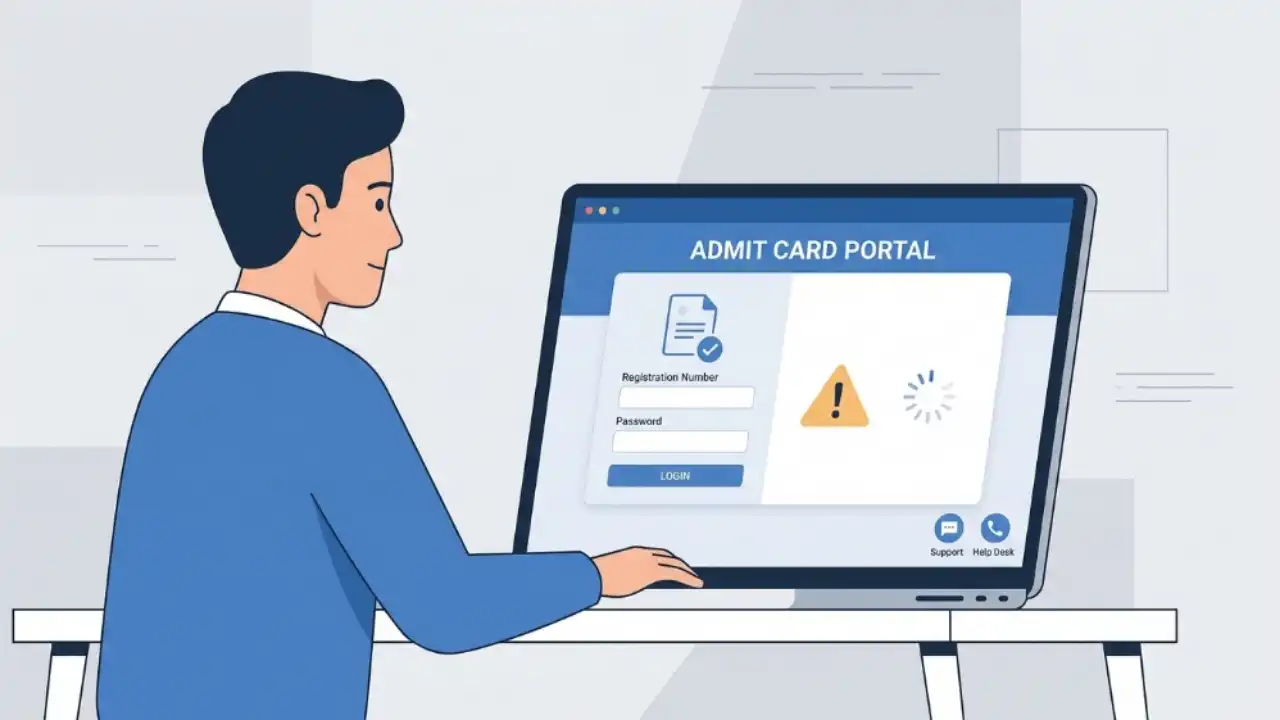
Downloading the admit card is one of the most important steps before appearing for any competitive examination, recruitment test, entrance exam, board examination, or university assessment. However, many candidates face issues where the admit card fails to download despite multiple attempts.
Problems such as website errors, incorrect login credentials, server overload, browser incompatibility, payment verification issues, or incomplete applications can prevent candidates from accessing their hall tickets. Such situations often create panic, especially when examination dates are approaching.
Table of Contents
Why Admit Cards Sometimes Fail to Download

Examination authorities generally release admit cards online through official portals. Since thousands or even millions of candidates attempt to access the website simultaneously, technical and user-related issues frequently arise.
In most cases, the problem is temporary and can be resolved through basic troubleshooting steps.
Common Reasons Why Admit Card Is Not Downloading
1. Heavy Traffic on the Official Website

One of the most common reasons is excessive traffic immediately after admit card release.
Popular examinations such as SSC, UPSC, NEET, JEE, Railway Recruitment Board exams, banking exams, state PSC examinations, and university entrance tests often experience massive user activity during the first few hours.
Signs
- Website loading very slowly
- Login page not opening
- Server timeout messages
- Error 503 or service unavailable notifications

Fix
- Try accessing the website during non-peak hours.
- Use the portal early in the morning or late at night.
- Avoid repeated refreshing, which may worsen server load.
2. Incorrect Login Credentials
Many candidates accidentally enter incorrect information while trying to access their admit card.
Common mistakes include:
- Wrong registration number
- Incorrect date of birth format
- Typing errors in the password
- Extra spaces while copying credentials
Fix
- Recheck the registration details from the application confirmation page.
- Use the “Forgot Registration Number” option if available.
- Verify capitalisation and special characters in passwords.
- Enter details manually instead of copying and pasting.
3. Browser Compatibility Issues
Some examination portals are optimised for specific browsers and may not function properly on outdated versions.
Common Symptoms
- Blank page after login
- Download button not responding
- Continuous loading screen
Fix
Try the following browsers:
- Google Chrome (latest version)
- Mozilla Firefox
- Microsoft Edge
Also:
- Clear browser cache and cookies.
- Disable unnecessary browser extensions.
- Open the portal in Incognito or Private Mode.
4. Mobile Device Limitations
Although many exam websites support mobile access, some portals perform better on desktop or laptop systems.
Issues Faced on Mobile
- PDF not opening
- Download button hidden
- Session timeout errors
Fix
- Use a desktop or laptop whenever possible.
- Enable desktop mode in the mobile browser.
- Install a reliable PDF reader.
5. Incomplete Application Form
Sometimes candidates discover that their application has not been accepted completely.
Reasons may include:
- Missing documents
- Incomplete form submission
- Unverified photograph
- Signature rejection
In such cases, the admit card may not be generated.
Fix
- Check application status on the official portal.
- Review notifications issued by the examination authority.
- Contact the helpdesk if the application was submitted correctly but remains incomplete.
6. Application Fee Not Confirmed
If payment confirmation fails during the application process, the admit card may not be issued.
Possible Causes
- Payment gateway interruption
- Bank transaction failure
- Delayed payment reconciliation
Fix
- Verify payment status through the application dashboard.
- Check bank account statements.
- Contact the examination authorities with transaction details.
7. Admit Card Not Yet Released for Your Region
Some organisations release admit cards phase-wise.
Candidates from certain regions or examination centres may receive their hall tickets later than others.
Fix
- Check the official notification carefully.
- Confirm the admit card release schedule.
- Follow only official announcements.
8. Technical Errors in Candidate Data
Incorrect personal information can prevent successful admit card generation.
Examples include:
- Mismatch in name
- Invalid category information
- Photograph upload issues
- Signature dimension errors
Fix
Immediately contact the examination authority and provide supporting documents for correction.
9. PDF Download Problems
In some cases, the admit card downloads successfully but cannot be opened.
Common Causes
- Corrupted file
- Interrupted internet connection
- Outdated PDF software
Fix
- Download the file again.
- Use a stable internet connection.
- Open the PDF using updated software such as Adobe Reader.
- Save the file before opening it.
10. Temporary Website Maintenance
Authorities occasionally perform server maintenance before major examination events.
Fix
- Wait for a few hours.
- Revisit the portal later.
- Follow official social media handles and website notices.
Step-by-Step Troubleshooting Checklist
If your admit card is not downloading, follow this sequence:
- Verify that the admit card has officially been released.
- Check your registration number, password, and date of birth.
- Clear browser cache and cookies.
- Switch to another browser.
- Try using a desktop or laptop.
- Check application and payment status.
- Download during non-peak hours.
- Contact the official helpdesk if the issue continues.
When Should You Contact the Examination Authority?
Candidates should contact the official authority if:
- The admit card is unavailable despite a successful application.
- Login credentials are not working.
- Personal details on the admit card are incorrect.
- Payment was deducted but application remains incomplete.
- The admit card remains unavailable close to the examination date.
Keep the following details ready:
- Registration Number
- Application Number
- Date of Birth
- Payment Transaction ID
- Screenshot of the error message
Important Precautions
To avoid admit card download issues:
- Save registration details immediately after application submission.
- Download the admit card as soon as it is released.
- Keep multiple digital copies.
- Print at least two hard copies.
- Verify all details carefully.
- Monitor official notifications regularly.
Most admit card download issues arise due to server congestion, incorrect login credentials, browser-related problems, incomplete applications, or payment verification delays. Candidates should remain calm and follow systematic troubleshooting steps before assuming a serious problem exists.
Downloading the admit card early, maintaining accurate application records, and relying only on official sources can help candidates avoid last-minute complications and focus on examination preparation with confidence.





GNM entrance exam ka admit card download nhi ho rha h